AI in recruiting
How to connect your ATS with Claude AI
A practical guide to wiring your applicant tracking system into Claude so it can read CVs and notes, rank candidates against a live brief, and surface a recruiter-friendly shortlist instead of a 1,800-row keyword list.

Your ATS is your biggest asset. Most teams act like it isn't.
If you run a recruiting agency, or you are an in-house team with tens of thousands of past applicants, your applicant tracking system is the most valuable data you own. People who already applied to your company, with CVs, emails, screening notes, and the history of past conversations. The moment a new role opens, some of them are very likely a fit.
And yet, on most teams, nobody searches the ATS first. They open LinkedIn instead.
This post is about why that happens, and what changes once you connect Claude to your ATS so it can actually read the data, rank candidates, and explain its choices in plain language.
The problem: ATS search is stuck in 2010
Open any mainstream ATS today and the search bar looks the same as it did fifteen years ago. Keyword match, a couple of filters, and a long flat list back. Type "Senior Backend Engineer Python Remote" into a 50,000-row database and you get 1,800 prospects on screen. No ranking, no scoring, no idea who to look at first.
So most recruiters give up on the internal database and default to LinkedIn. The ATS becomes a place where data goes to be stored, not a place where work gets done. That is a missed opportunity. You are paying for the seats, the storage, and the import workflows. You may as well use what is in there.
What changes when Claude can read the data
Once you connect Claude to your ATS, it can do the part the ATS itself was never designed for: actually read the content of every CV, every screening note, every past conversation. It compares each candidate to your live brief, scores them, ranks them, and tells you in one or two sentences why a specific person is worth a closer look.
The recruiter no longer scrolls 1,800 rows. They open a short list of 15 to 20 names with a one-line rationale next to each. That is a different job. It is also a job recruiters will actually do, which is the whole point.
The architecture, in three parts
Every build I have shipped on this pattern has the same three layers.
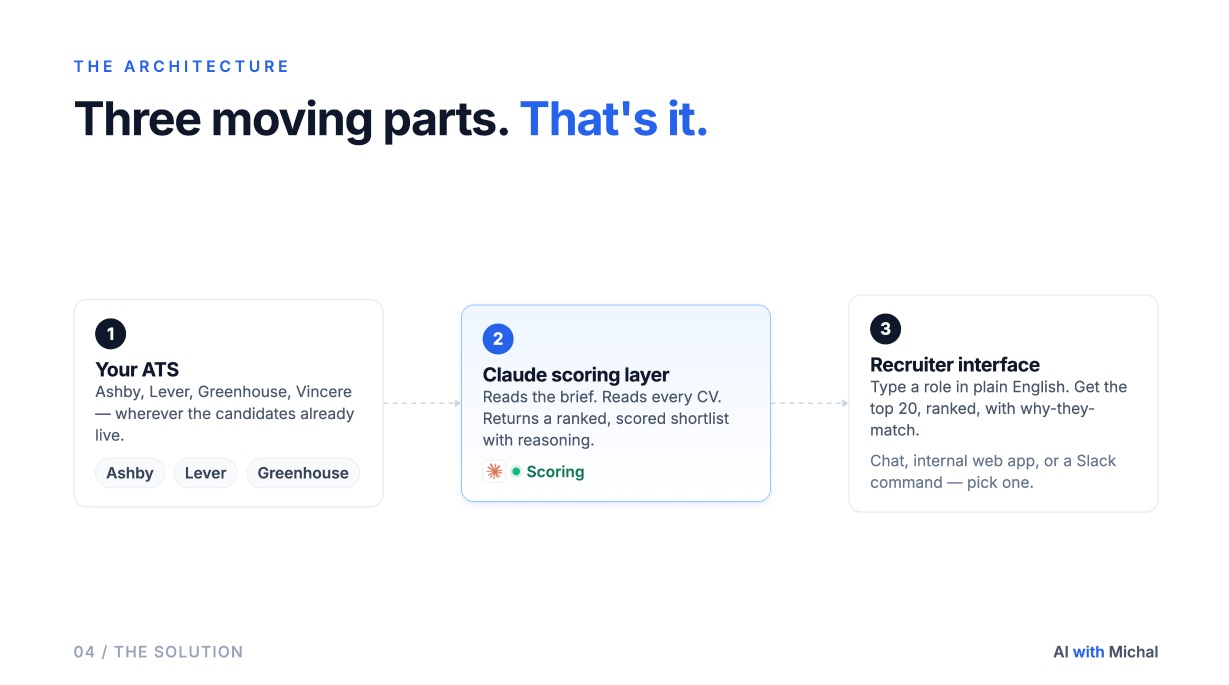
1. The ATS as the source of truth. Ashby, Lever, Greenhouse, Vincere, Workable, Recruitee, or an Airtable base if that is what your team runs on. Nothing changes here. Your candidates, your data, your existing ingestion of new applications.
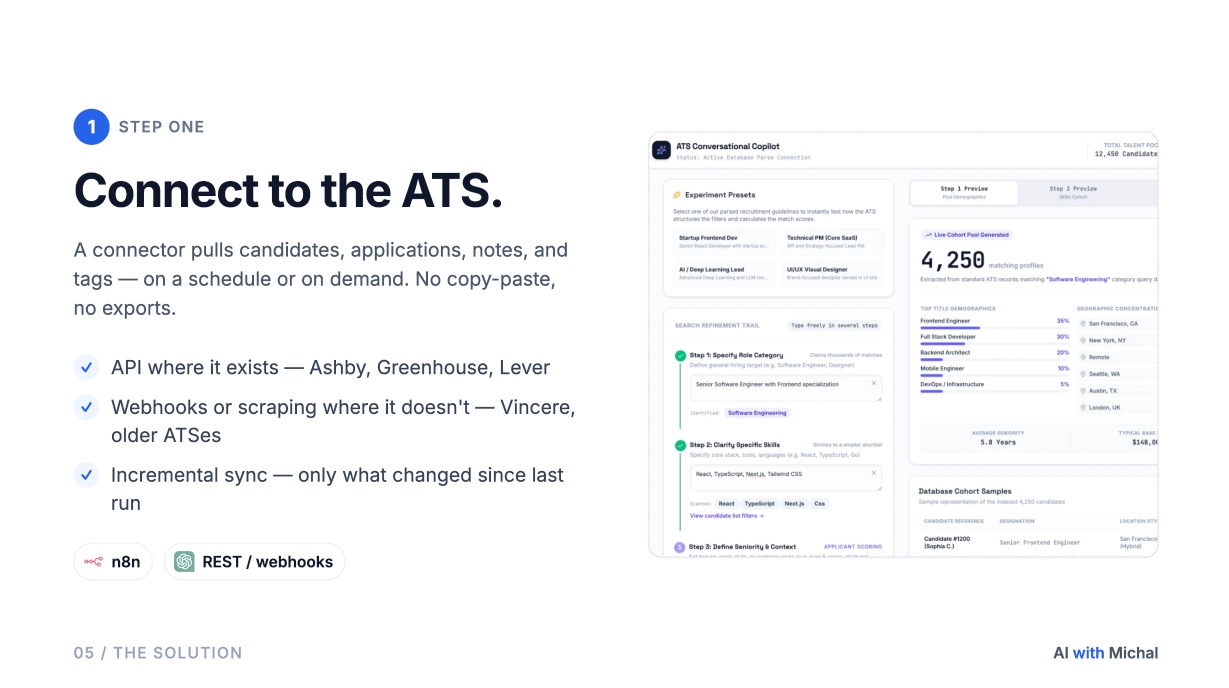
2. The AI scoring layer. A Claude skill, or a Claude agent running on a schedule, that pulls candidates over the ATS API, reads the relevant fields (CV text, headline, recruiter notes, past stages), and scores each candidate against the role brief. The scoring output is structured: a numeric score, the must-haves met, the gaps, and a short rationale you can paste into a hiring manager note.
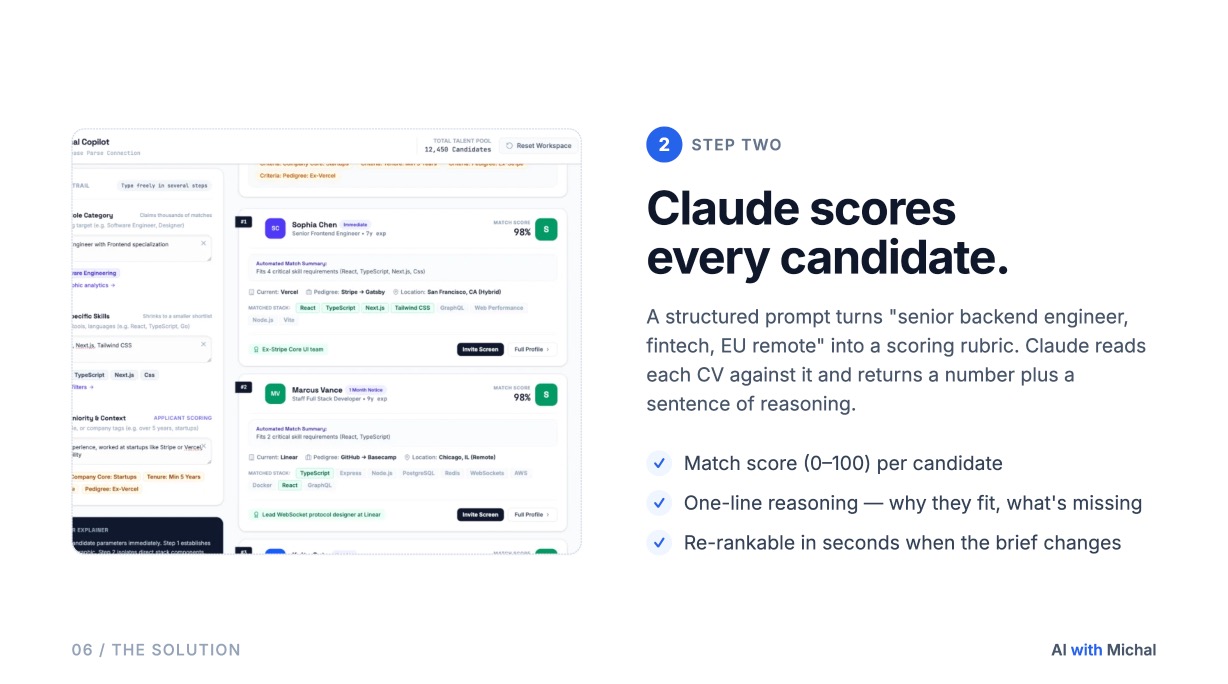
3. A friendly interface for the recruiter. This is the part teams underestimate. A spreadsheet of 500 scored candidates is not useful. A clean shortlist of 15 ranked people with a sentence each is. We deliver this either inside Claude itself, which is enough for a working recruiter, or as a dedicated lightweight web UI when the team wants something less technical. Either way, the recruiter can ask follow-up questions and re-rank candidates without leaving the screen.
Two-step search for large databases
You do not run a 50,000-row database through an LLM in one pass. You run it in two.
- Coarse filter. Pull a sub-segment from the ATS using its native search: rough title match, location, recency, stage. For a platform engineer role, that might take 50,000 candidates down to about 5,000 who are at least adjacent to software engineering.
- Fine ranking. Send those 5,000 rows to Claude with the role brief, the must-haves, the deal-breakers, and the rubric. Claude returns the top 100 to 200 with scores and rationales. The recruiter looks at the top 15.
Two passes, two different jobs. The coarse filter is cheap and uses the ATS for what it is good at. The fine ranking is where Claude earns its keep.
Why the interface matters more than the model
The hard part of these projects is not the scoring. Once Claude can read the data, scoring is the easy half. The hard part is showing results in a way a recruiter will actually open every morning.
Numeric scores alone are not enough. Recruiters want to see, in plain language, why this candidate scored 87 and that one scored 64. They want to filter by the must-have they care about today, not the one in the brief from a month ago. They want to ask "show me only the candidates who have worked at a competitor" without writing a query. That is what a Claude-native interface gives them. The model does the reading, the recruiter does the deciding.
The connectors I have already built
To save teams the integration work, I keep a small library of ATS connectors that plug straight into the Claude scoring layer. Currently:
- Lever
- Greenhouse
- Ashby
- Vincere
- Workable
- Recruitee
- Airtable (for teams who run their pipeline there)
If your ATS is on this list, the integration work is mostly done and we can focus on the scoring rubric and the interface. If it has a documented API, we add the connector in a few days. We use CalyflowOS as the orchestration layer for the cron jobs, the API calls, and the background sync, so the moving parts stay in code rather than in a no-code automation builder.
Honest limits
- Bias in, bias out. A ranking prompt inherits whatever is in your role brief. If the brief over-weights employer prestige or specific university names, the ranking will too. Audit the rubric the same way you would audit a screening guide.
- Data freshness. A candidate who applied two years ago may have changed roles. Optional enrichment with ContactOut or Coresignal can refresh employer and title before the recruiter reaches out, but it is an extra step and an extra cost.
- Not every ATS field is signal. Stage history, notes from old recruiters, parsed CV junk. Part of every engagement is deciding which fields Claude reads and which it ignores. We spend the first week on this, not the model.
- GDPR. You already store these candidates lawfully. Re-ranking them against new roles falls under the same lawful basis. What changes is that the model now sees the data, so your processor list and your DPIA need to reflect that.
What it takes to ship this
For a team with a clean ATS and one of the supported connectors, a working version is two to three weeks of build time:
- Week 1. Connector live, candidate sync in place, first scoring rubric drafted against three real open roles.
- Week 2. Interface in Claude or in a custom web UI, recruiter feedback loop, second rubric pass with the calibration set.
- Week 3. Handover, internal training, monitoring on the scoring quality, plus the playbook for opening a new role.
After that, the ongoing cost is mostly Claude API calls plus the ATS subscription you already pay for. No new SaaS bill on top.
The bigger pattern
ATS ranking is one of several AI builds that follow the same shape: take a database the team already pays for, give Claude permission to read it, and put a clean interface on top. Prospective client outreach, candidate messaging, ICP discovery, research summaries, internal knowledge search. All of them fit. None of them require throwing away the system of record. You keep the ATS. You just stop asking it to do the work it was never designed for.
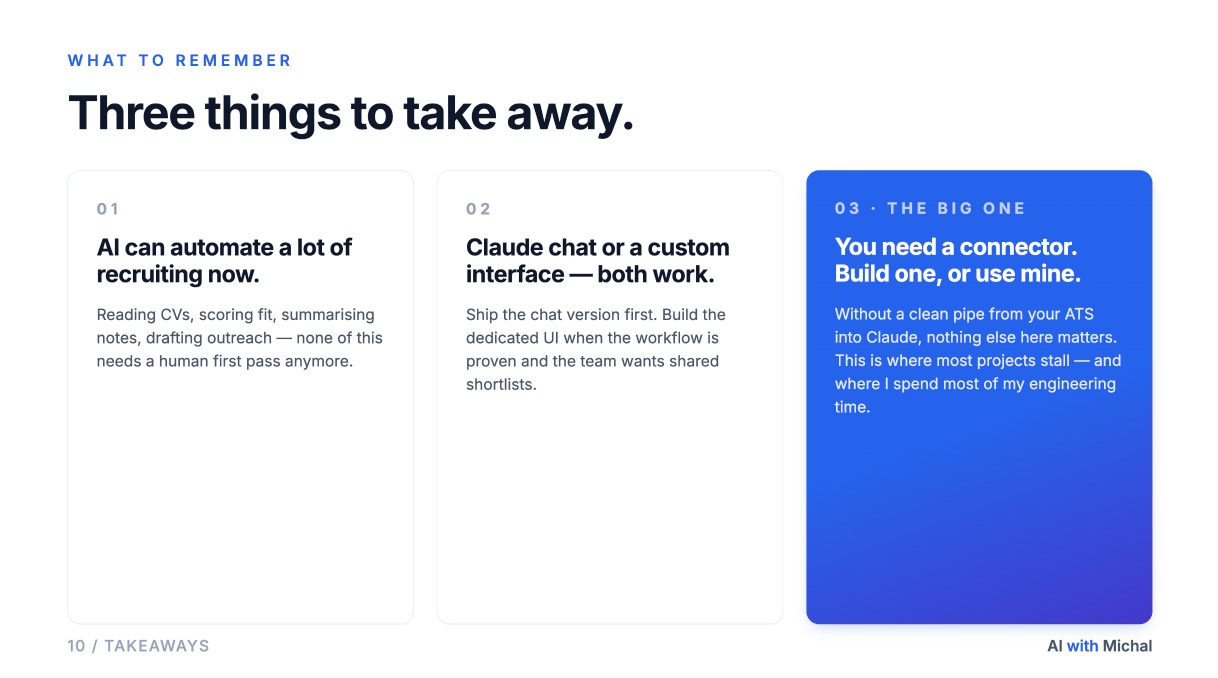
If your team is sitting on tens of thousands of past applicants and the database is mostly dark, that is exactly the kind of project I help with. Tell me what you want to build on the Custom Build page, and we will map your ATS, define the rubric, and ship a working version inside a month.
Related articles
- How I built a custom AI CRM for a real-estate agency
A case study: how we shipped a custom dispatch, SLA, and reporting CRM for a 15-broker agency with Claude and CalyflowOS, and why the same pattern fits recruiting teams.
- How to source candidates without LinkedIn (2026 AI stack)
A practitioner's stack for finding, enriching, and ranking candidates when LinkedIn Recruiter isn't available, with the Claude skill, databases, and prompts we use on hard-to-fill roles.