ATS tools for recruitment
The category of applicant tracking systems and their connected add-ons, including sourcing connectors, screening plugins, scheduling tools, and analytics dashboards, that recruiters use to manage the full hiring funnel from posting to offer.
Michal Juhas · Last reviewed May 4, 2026
What are ATS tools for recruitment?
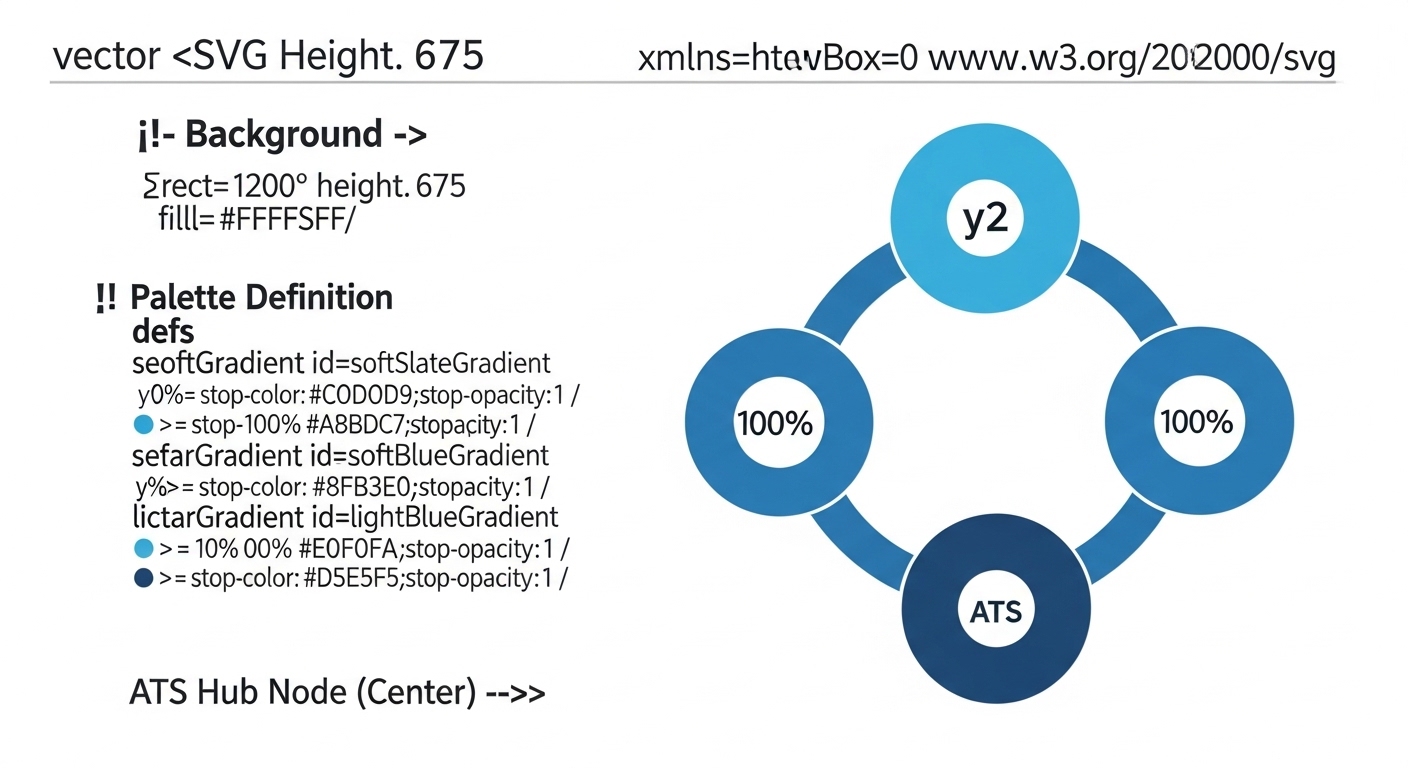
ATS tools for recruitment span the full hiring funnel: the core applicant tracking system holds the candidate record, and a ring of connected tools handles sourcing, screening, scheduling, and analytics. Together they form the stack a recruiter lives in from the moment a req opens to the day an offer is accepted.
In practice
- A recruiter at a scale-up uses Greenhouse as the core ATS, Calendly for scheduling, Ashby for analytics, and a screening plugin that scores CVs before they hit the inbox. Each tool has a single clear job.
- A TA ops lead notices that two integrations are writing duplicate records to the ATS every time a candidate reapplies. The root cause is a missing deduplication rule at the intake API endpoint, not a vendor problem. The fix is two hours of configuration work, not a new tool.
- A recruiter at an agency runs her sourcing workflow outside the ATS in a separate CRM, then pushes shortlisted candidates into the ATS when a client req is confirmed. The handoff is manual and creates version-control problems. A webhook integration resolves it.
Quick read, then how hiring teams use it
This is for recruiters, sourcers, TA, and HR partners who need the same vocabulary in debriefs, vendor calls, and policy reviews. Skim the first section when you need a fast shared picture. Use the second when you are deciding which tools to evaluate, connect, or retire.
Plain-language summary
- What it means for you: Your ATS is not one tool, it is a stack. The core tracks candidates; the connected tools handle sourcing, screening, scheduling, and reporting. Each tool needs to hand off data cleanly to the next.
- How you would use it: Choose tools that fill specific gaps in your current process, not tools with the longest feature list. Map the data each tool reads and writes before you sign a contract.
- How to get started: List the five manual steps in your current workflow that take the most time or produce the most errors. Each of those is a candidate for a tool integration. Solve one at a time rather than trying to rebuild the stack all at once.
- When it is a good time: After the core ATS data is clean and your stage definitions are agreed. Adding tools on top of messy data produces messy outputs, not clean ones.
When you are running live reqs and tools
- What it means for you: Every tool in your ATS stack is a potential integration failure point. A broken webhook silently stops stage changes from reaching downstream tools. A mis-mapped field writes wrong data to the candidate record. You need monitoring, not just configuration.
- How to use it: Set up error alerts for each integration so failures surface within hours, not weeks. Audit field mapping when a vendor updates their API. Keep a runbook that names who is responsible for each integration and what the fix steps are.
- How to get started: Document every integration your ATS currently has, what it does, who owns it, and when it was last validated. That map is the starting point for prioritising which integrations need maintenance and which need replacing.
- What to watch for: Silent API changes by vendors, integrations that work in the demo environment but break under production load, and analytics tools that read from the ATS but do not reflect recent stage changes because of caching delays.
Where we talk about this
On AI with Michal live sessions, ATS tools and their integrations come up in both the AI in recruiting and sourcing automation tracks, specifically around how to build a stack that produces clean data for AI tools rather than noisy inputs. If you want the full conversation on tool selection and integration patterns, start at Sourcing Lab and bring a list of tools you are currently running or evaluating.
Around the web (opinions and rabbit holes)
Third-party creators move fast. Treat these as starting points, not endorsements, and double-check anything before you wire candidate data.
YouTube
- Search "ATS comparison recruiting" for practitioner-led reviews that go beyond vendor demo walkthroughs and include integration and data quality observations.
- Search "recruiting tech stack 2025" for team setups that show how recruiters actually combine tools at different company sizes.
- r/recruiting is the best place to read honest assessments of specific ATS platforms, including which integrations break most often.
- r/humanresources covers enterprise ATS procurement and compliance requirements from an HR leadership perspective.
Quora
- Search "best ATS tools recruiting" for mixed quality answers covering different company sizes and use cases.
Core ATS versus connected tools
| Layer | What it does | Example function |
|---|---|---|
| Core ATS | Stores candidate records and stage history | Greenhouse, Lever, Workday |
| Sourcing connector | Pulls candidates from job boards or data sources | Job board integrations, LinkedIn Recruiter sync |
| Screening plugin | Scores CVs against job criteria | AI ranking tools via API |
| Scheduling tool | Coordinates interviews without email threads | Calendar integration with availability links |
| Analytics dashboard | Reports on pipeline, speed, and source quality | Custom dashboards or dedicated TA analytics tools |
Related on this site
- Glossary: Applicant tracking software, ATS API integration, Recruiting webhooks, Workflow automation, AI in recruiting, Best applicant tracking system
- Blog: AI sourcing tools for recruiters
- Live cohort: Sourcing Lab
- Course: Starting with AI: the foundations in recruiting
- Membership: Become a member