Recruitment software comparison
A structured review of hiring tools by category, features, and compliance posture so TA teams can choose software that fits their ATS stack and legal obligations, not just demo performance.
Michal Juhas · Last reviewed May 15, 2026
What is a recruitment software comparison?
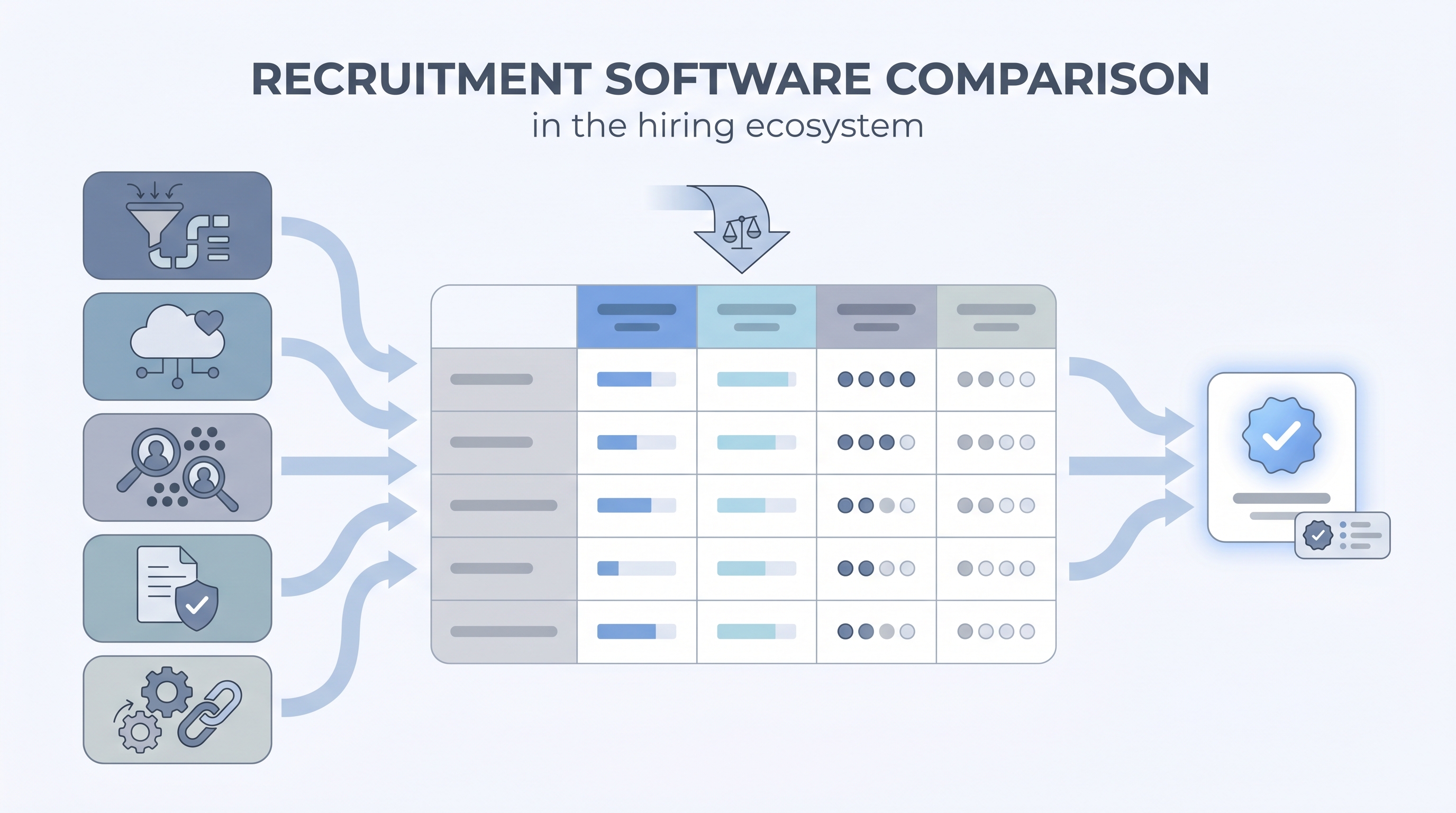
A recruitment software comparison is a structured review of hiring tools by category and criteria, so TA teams choose based on real workflows, data-model fit, and compliance posture rather than demo performance. It maps vendors by what they own in the hiring process: pipeline and audit trail (ATS), candidate relationships and pools (CRM), profile discovery (sourcing), applicant scoring (screening), and stage-change automation. Skipping that category map and placing all tools on the same grid is the single most common reason teams buy software they stop using inside eighteen months.
In practice
- A TA ops lead might say "we compared Greenhouse, Lever, and Ashby" when they mean three ATS tools. Whether they also ran a CRM or sourcing tool comparison is what distinguishes a thorough evaluation from a name-brand shortlist.
- A CHRO asking for "one platform" often wants fewer vendor contracts, not necessarily fewer tools. A realistic comparison shows which categories integrate cleanly versus which must be replaced.
- A sourcer hearing "we are doing a software review" wants to know if the outreach sequencer is on the table, because that tool is usually owned by recruiting ops and gets quietly dropped from comparisons that only cover the ATS.
Quick read, then how hiring teams use it
This is for recruiters, sourcers, TA, and HR partners who need the same vocabulary in debriefs, vendor calls, and policy reviews. Skim the first section when you need a fast shared picture. Use the second when you are deciding how it shows up in the ATS, sourcing tools, or candidate communications.
Plain-language summary
- What it means for you: A structured list of what each tool actually does in your current process and what it costs if you choose wrong.
- How you would use it: Pick the category with your worst operational problem first. Write three failing scenarios. Score vendors against them, not against the demo script.
- How to get started: List every tool your team used last month to move a candidate. Draw the data hand-offs between them. That map is your comparison baseline.
- When it is a good time: Before contract renewal, before adding an AI module, after a data breach or audit finding, or when recruiter satisfaction with the current stack falls below your internal threshold.
When you are running live reqs and tools
- What it means for you: Integration quality between your ATS and adjacent tools determines whether your talent acquisition metrics are trustworthy. A bad comparison locks you into a platform that reports wrong numbers for years.
- When it is a good time: Before you add AI scoring, before a hiring surge, or when legal asks how candidate data moves between vendors and your current answer is unclear.
- How to use it: Run side-by-side sandbox trials with de-identified real payloads. Define your top five failure modes before you start. Share a written requirements document with every vendor, not only an RFP template.
- How to get started: Export your last six months of stage transitions from the current ATS. Run the same funnel queries against each trial platform. If the numbers do not match within ten percent, fix data mapping before you sign.
- What to watch for: Features on a roadmap that do not ship before renewal. Opaque sub-processors in the DPA. AI scoring tools without a named adverse impact methodology. Pricing tiers that separate compliance features into add-ons.
Where we talk about this
On AI with Michal live sessions, the AI in Recruiting track includes vendor evaluation exercises with real requirements and a shared scorecard format. Sourcing automation blocks cover integration quality and what breaks when providers change APIs. Bring your shortlist and current stack details to Sourcing Lab so peers can test assumptions you may have missed.
Around the web (opinions and rabbit holes)
Third-party creators move fast. Treat these as starting points, not endorsements, and double-check anything before you wire candidate data.
YouTube
- How to choose an ATS for recruiting for buyer walkthroughs that show admin settings and edge cases rather than marketing slides.
- Recruitment software comparison review for practitioner walkthroughs that put two or more tools in the same category side by side.
- HR tech demo script for question lists hiring teams use during trials to surface integration and compliance gaps.
- r/recruiting and r/HRIS host migration threads; verify post dates before trusting any vendor comparisons, since the market shifts quarterly.
- r/humanresources has recurring threads on small-business ATS picks and enterprise evaluation lessons worth reading before building a shortlist.
Quora
- Quora search: recruitment software comparison criteria for mixed practitioner answers; treat as conversation starters before you build your own scorecard.
Recruitment software categories at a glance
| Category | What it owns | Typical integration | Key compliance question |
|---|---|---|---|
| ATS | Candidate record, stage history, audit log | HRIS, email, job boards | Data retention and deletion schedule |
| CRM | Talent pool, nurture sequences, consent records | ATS (candidate sync), email | Opt-in basis and suppression list |
| Sourcing | Profile discovery, contact enrichment | ATS (create candidate) | GDPR first-touch and data provenance |
| Screening | Assessment scoring, async video review | ATS (score field sync) | Adverse impact audit methodology |
| Automation | Stage triggers, alerts, integration routing | All of the above | Webhook logs, error handling, owner assignment |
Related on this site
- Glossary: Applicant tracking software, Talent sourcing software, ATS API integration, AI bias audit, Talent acquisition metrics, Sourcing funnel metrics
- Blog: AI sourcing tools for recruiters
- Glossary: Best recruitment platform
- Course: Starting with AI: the foundations in recruiting
- Live cohort: Sourcing Lab
- Membership: Become a member