Recruiter Boolean search strings
Typed query strings that use AND, OR, NOT, quotes, and parentheses to tell a search engine, ATS, or LinkedIn exactly which profiles to surface and which to hide.
Michal Juhas · Last reviewed May 4, 2026
What are recruiter Boolean search strings?
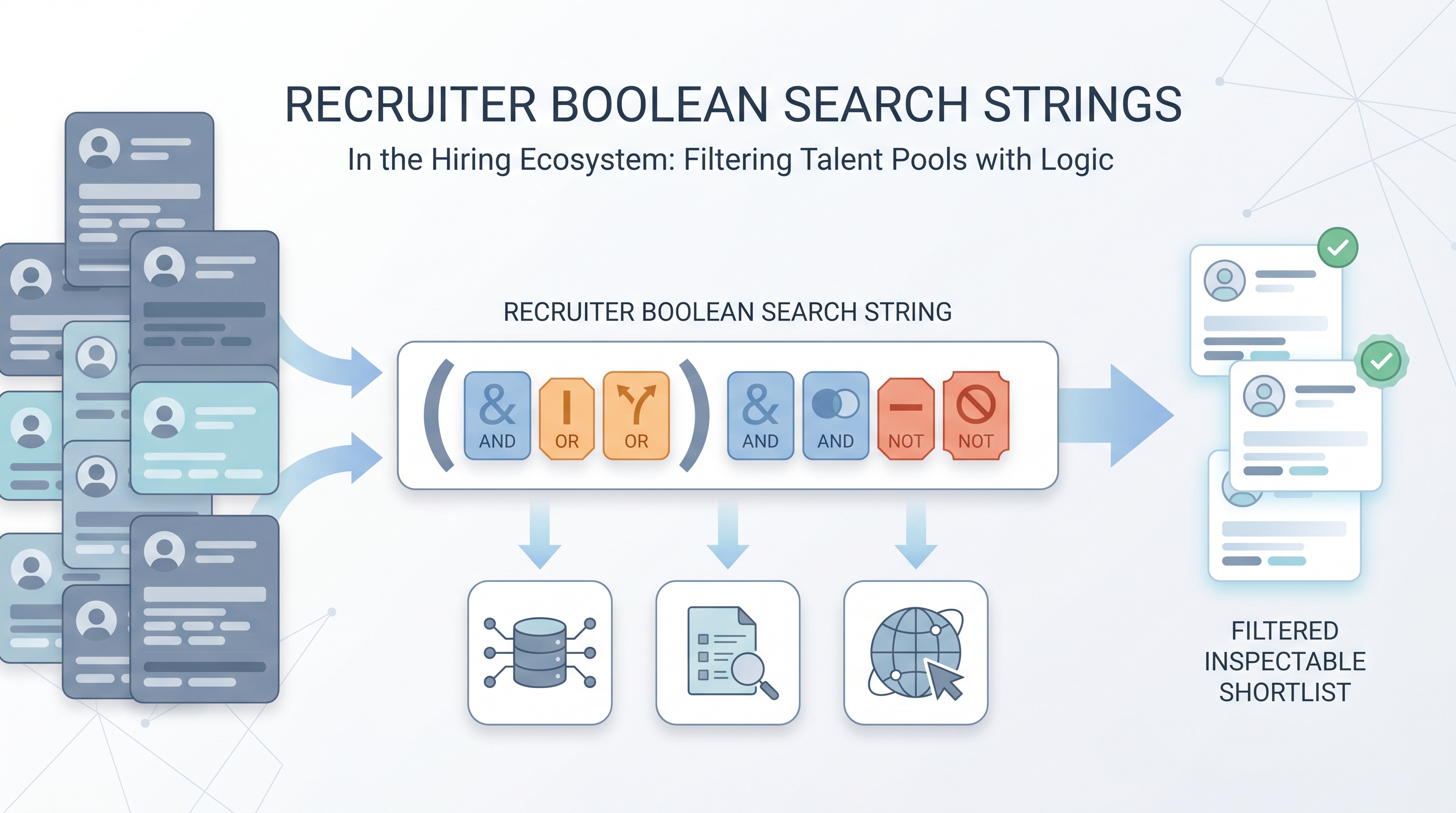
Recruiter Boolean search strings are the actual text you type or paste into a search box to control which profiles appear and which do not. They use AND to require all conditions, OR to accept alternatives, NOT to exclude words, quotes to match exact phrases, and parentheses to group logic. The concept of Boolean search is well-established; the skill in recruiting is writing strings that match real job titles, real skill language, and real market conditions rather than idealized descriptions.
In practice
- A sourcer opens LinkedIn Recruiter and types
("data engineer" OR "analytics engineer") AND ("dbt" OR "DBT") AND ("Snowflake" OR "BigQuery") NOT recruiterrather than relying on AI suggestions alone, because she needs a count she can explain to the hiring manager with full clause-by-clause traceability. - In a team handoff, a senior recruiter pastes a string into a shared Notion page with a note: "ran on 3 May 2026, returned 214 results, excludes staffing firms." The next person filling the same role opens that page first rather than starting from scratch.
- After a AI Sourcing Lab session, the team builds an AI-assisted pipeline: a prompt generates the first string, a sourcer reviews and edits the OR blocks, and the final string goes into their ATS saved search with an owner and a quarterly review date.
Quick read, then how hiring teams use it
This is for recruiters, sourcers, TA, and HR partners who need the same vocabulary in briefings, vendor calls, and policy reviews. Skim the plain summary when you need a shared picture quickly. Use the second section when deciding how strings fit into your ATS, LinkedIn workflow, or sourcing automation stack.
Plain-language summary
- What it means for you: A Boolean string is a query you write to include the right profiles and cut out the wrong ones, similar to advanced filters on a shopping site but for talent databases.
- How you would use it: Write the string, run it, check the count, then add or remove conditions until the result pool feels like real candidates.
- How to get started: Copy a working string from a teammate, change one clause, compare the counts before you rewrite the whole thing.
- When it is a good time: When you need an explainable filter for compliance, when semantic suggestions feel too fuzzy, or when you want a repeatable search you can hand to the next recruiter on the req.
When you are running live reqs and tools
- What it means for you: Strings are auditable slices: exact tokens, hard negatives, repeatable exports. They pair with semantic search when you rank inside a Boolean bucket rather than replacing one approach with the other.
- When it is a good time: When APIs return structured fields you can combine with literals, which is how sourcing automation work tends to start: Boolean to filter, model to rank.
- How to use it: Test in-tool, log result counts, assign an owner to each clause. Read Boolean search vs AI sourcing before your next sourcing stack review.
- How to get started: Rebuild one req string from scratch with a sourcer watching, then diff the versions to see what actually changed.
- What to watch for: Zero-result vanity strings, non-English title drift, and platform-specific field-name changes that silently break a string between quarterly reviews.
Where we talk about this
Sourcing automation sessions open with string construction because providers expose structured fields worth filtering before you spend API budget on ranking. AI in recruiting modules connect string-writing to hiring-manager trust and compliance conversations. Practice with real reqs at Sourcing Lab.
Around the web (opinions and rabbit holes)
Third-party creators move fast. Treat these as starting points, not endorsements, and verify anything before you wire candidate data to an automated step.
YouTube
- How to Use Boolean Search on LinkedIn is one of many LinkedIn-focused walkthroughs; pick the version that matches your Recruiter vs. free UI.
- How to Use LinkedIn Recruiter (LinkedIn) is official-ish vocabulary for the filters sourcers argue about in kickoff calls.
- Generative AI in 9 minutes (Fireship) helps teammates understand why AI assist does not remove the need for hard filters in your strings.
- How do you make a great Boolean search? in r/recruiting is a practical tips thread worth reading before your next sourcing session.
- Is boolean search still big? in r/recruiting debates whether literal strings are a dying art or a foundation skill every sourcer still needs.
- What's your go-to Boolean trick when LinkedIn search feels too crowded? collects exclusion patterns and OR ladder tricks teams actually run week to week.
Quora
- What is Boolean searching? is a broad definition thread useful for explaining the concept to hiring managers who ask why you type "AND NOT recruiter" into a search box.
Boolean string complexity by platform
| Platform | OR ladders | NOT support | Field-specific filters | Watch out for |
|---|---|---|---|---|
| LinkedIn Recruiter | Yes | Yes (NOT or -term) | Title, employer, school, location | Rate limits on bulk export |
| Most ATS search boxes | Partial | Usually AND/NOT | Varies by vendor | Parentheses silently ignored |
| Google X-ray (site:) | Yes | Minus sign | None native | Depends on what Google has indexed |
| Talent databases (Apollo, Gem) | Varies | Usually yes | Rich filter sidebar | Check docs after every major update |
Related on this site
- Glossary: Boolean search
- Glossary: Semantic search
- Glossary: Candidate data enrichment
- Glossary: Workflow automation
- Glossary: Adverse impact
- Blog: AI sourcing tools for recruiters
- Blog: Boolean search vs AI sourcing
- Guides: Sourcers
- Course: Starting with AI: the foundations in recruiting
- Community: Become a member