System instructions
Persistent rules and context you attach to an assistant (Gem, custom GPT, Claude project, or API system role) so every turn inherits tone, format, must-nots, and CTAs without repeating them in each user message.
Michal Juhas · Last reviewed May 2, 2026
What are system instructions?
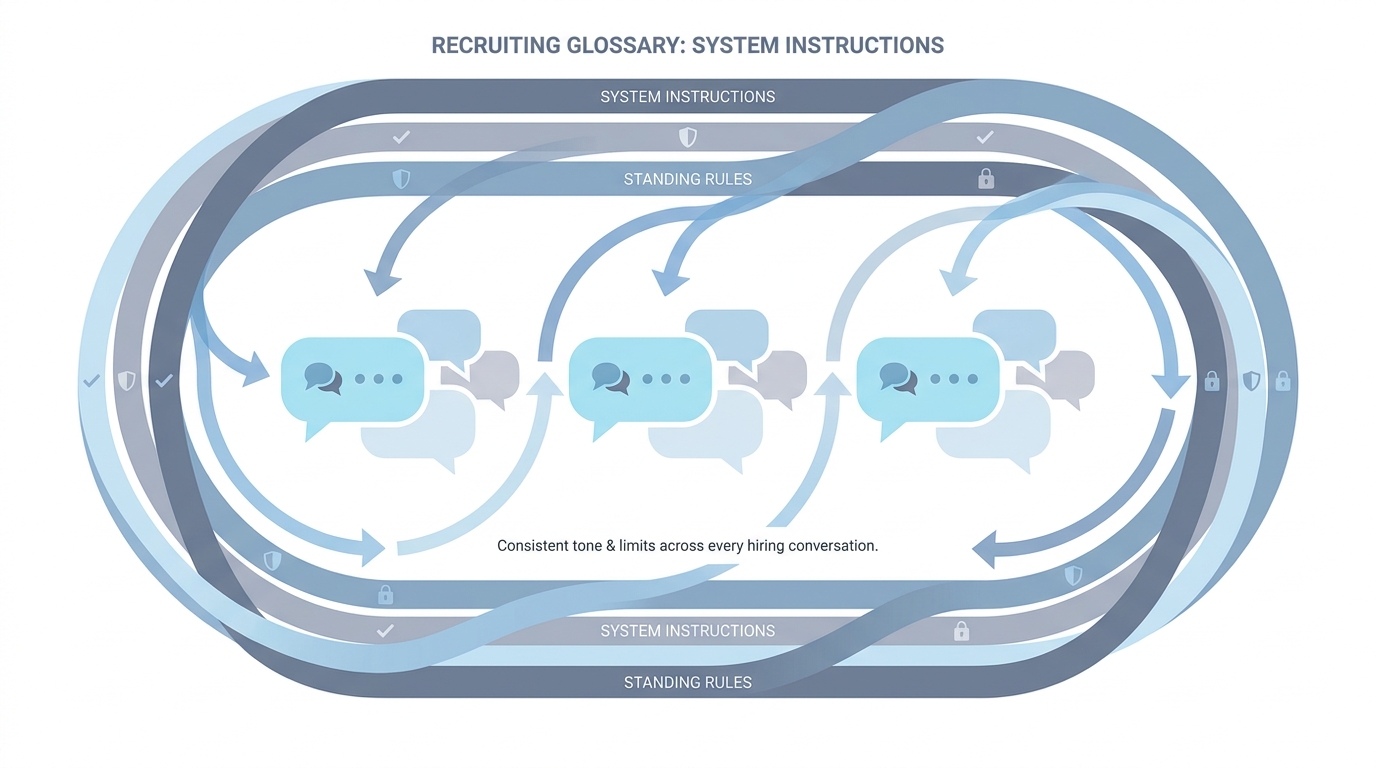
System instructions are standing rules you save in a chat product so every new thread starts with your company voice, limits, and format. They save you from typing the same setup bullets at the start of each conversation.
In practice
- In ChatGPT "custom instructions" or a Claude project "instructions" box, you paste tone rules once and every new chat starts there. Product tours call it "customize your assistant" on first-run screens.
- Teams share a screenshot titled "our system prompt" in Slack even though the product UI says something friendlier.
- When onboarding says "never promise visa sponsorship in outreach," that rule often lands in system instructions so it is harder to forget than a sticky note on one monitor.
Quick read, then how hiring teams use it
This is for recruiters, sourcers, TA, and HR partners who need the same vocabulary in debriefs, vendor calls, and policy reviews. Skim the first section when you need a fast shared picture. Use the second when you are deciding how it shows up in the ATS, sourcing tools, or candidate communications.
Plain-language summary
- What it means for you: System instructions are the sticky note on the assistant that says who you are, what tone to use, and what you never promise.
- How you would use it: You set it once per project or workspace, then your daily prompts stay short.
- How to get started: Write five bullets: company voice, must-not phrases, regions you hire in, what "confidential" means here, who approves external sends.
- When it is a good time: Before you invite five teammates to the same custom GPT or Claude project.
When you are running live reqs and tools
- What it means for you: System prompts prime behavior across turns, share the same token budget as user messages, and should be versioned like code. They pair with few-shot prompting inside a single turn when you need exemplars.
- When it is a good time: When you promote chat hacks into production artifacts.
- How to use it: Store instructions in Git or a doc with owners, diff changes, and test with adversarial prompts.
- How to get started: Read vendor docs for "system" versus "developer" message roles and mirror that in your internal templates.
- What to watch for: Secret policies only in system text with no HR sign-off, and instructions that contradict your Markdown knowledge base.
Where we talk about this
AI in recruiting sessions compare system instructions to Gems and skills: packaging differs, hygiene does not. Sourcing automation sessions warn that API calls still need the same priming fields. Align at Sourcing Lab.
Around the web (opinions and rabbit holes)
Third-party creators move fast. Treat these as starting points, not endorsements, and double-check anything before you wire candidate data.
YouTube
- Introduction to Large Language Models (Google Cloud Tech) explains system versus user content at a high level.
- ChatGPT Custom Instructions walks the product control many teams map to "system" behavior (verify the exact title on YouTube before you assign it in LMS).
- Let's build GPT: from scratch, in code, spelled out (Andrej Karpathy) helps technical partners understand why priming matters.
- Custom instructions tips in r/ChatGPT is a long crowd-sourced list.
- Few shot examples vs long prompt? in r/ChatGPT contrasts system-plus-user packing strategies.
- JSON mode vs function calling in r/OpenAI is adjacent when tools carry policy metadata.
Quora
- What are system prompts in ChatGPT? is consumer-framed but matches questions TA asks IT.
System instructions versus few-shot in one turn
| Layer | Role |
|---|---|
| System instructions | Stable voice, policies, CTAs, channel limits |
| User message | Task today ("role X, candidate Y") |
| Few-shot examples | Optional fresh anchors when the req is new |
Related on this site
- Glossary: Few-shot prompting, Markdown for AI, AI adoption ladder, AI-native
- Blog: How to write better AI prompts
- Tools: ChatGPT, Claude
- Workshops: Sourcing Lab