Markdown for AI
Using plain-text Markdown files as the handoff format for recruiting context (tone, SOPs, scorecard notes) so assistants and automations read the same source with fewer parsing issues than Word or PDF.
Michal Juhas · Last reviewed May 2, 2026
What is Markdown for AI?
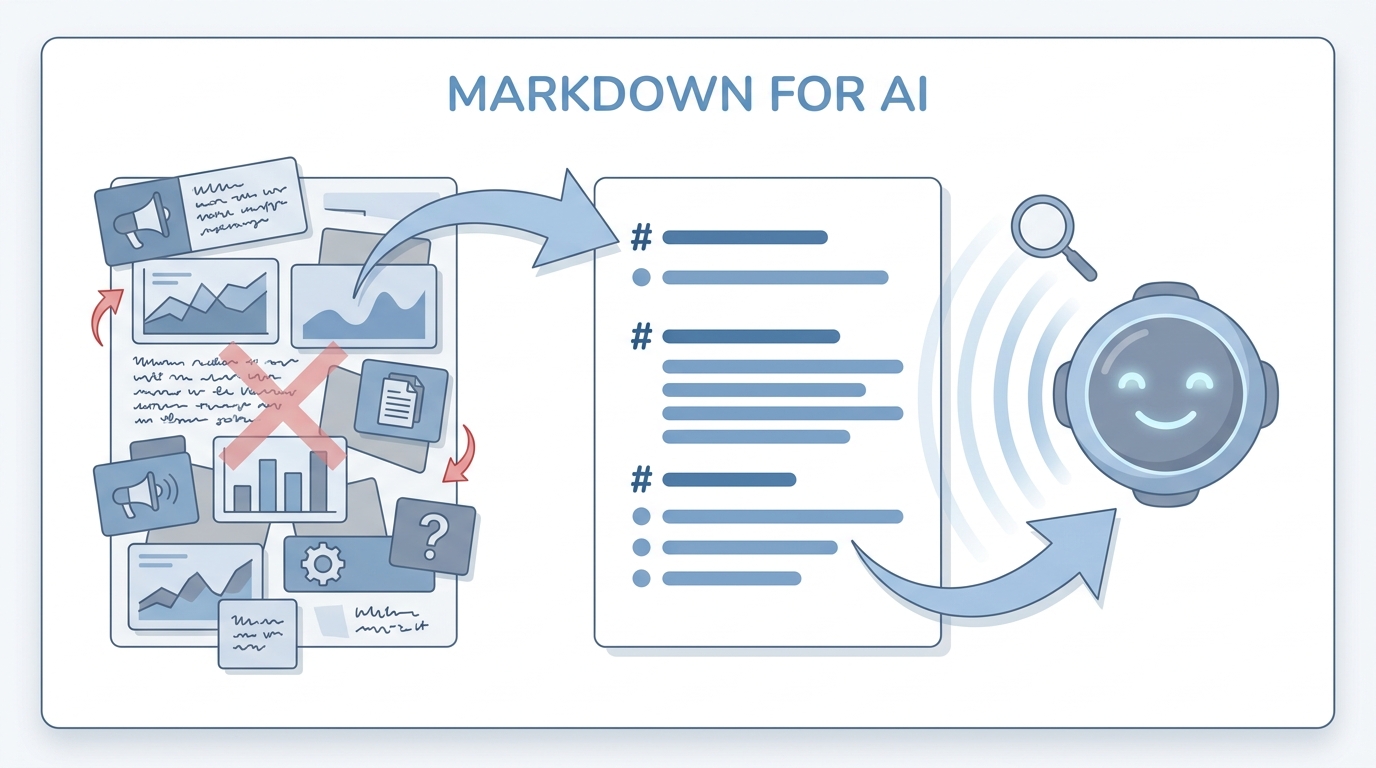
Markdown is a plain-text format with simple symbols for headings, lists, and links that both people and AI tools read well. Your hiring notes stay tidy and copy cleanly into assistants compared with messy pasted documents.
In practice
- Engineers already store notes with
#headings and bullet lists in GitHub or Notion; recruiters adopt the same habit so assistants read files cleanly. Bootcamps say "write it in Markdown" when they mean plain structure without Word cruft. - When ChatGPT returns a neat bullet list, you recognize Markdown-style formatting even if you never named the format.
- Job descriptions shared as
.mdfiles or Slack snippets often travel better into AI tools than heavy PDFs from ten years ago.
Quick read, then how hiring teams use it
This is for recruiters, sourcers, TA, and HR partners who need the same vocabulary in debriefs, vendor calls, and policy reviews. Skim the first section when you need a fast shared picture. Use the second when you are deciding how it shows up in the ATS, sourcing tools, or candidate communications.
Plain-language summary
- What it means for you: Markdown is plain text with simple markers for headings and lists so both humans and models can scan fast.
- How you would use it: You write SOPs with
#headings and-bullets instead of fifty colors in Word. - How to get started: Re-type one messy policy email as a single Markdown page with a table for exceptions.
- When it is a good time: When three people maintain the same guidance and PDFs are fighting each other.
When you are running live reqs and tools
- What it means for you: Markdown is diffable, grep-friendly, and pairs with RAG chunking. It lowers token waste versus pasted rich text.
- When it is a good time: When you promote a folder to "system of record" for assistants and skills.
- How to use it: Standardize headings (
##per topic), use tables for rubrics, and link out to canonical PDFs instead of pasting them. - How to get started: Read internal Markdown for AI examples on this site and copy the structure, not the prose.
- What to watch for: Blank lines around tables (per site MDX rules), and teams that skip blank-line discipline then wonder why tables render oddly.
Where we talk about this
Workshops treat Markdown as the default handoff between sourcers, recruiters, and TA ops when they wire agent knowledge bases. If your Notion export is ugly, bring it to Sourcing Lab for a live cleanup.
Around the web (opinions and rabbit holes)
Third-party creators move fast. Treat these as starting points, not endorsements, and double-check anything before you wire candidate data.
YouTube
- Markdown Crash Course is one of many short intros; pick the pacing your team tolerates.
- Introduction to Retrieval Augmented Generation (RAG) (Google Cloud Tech) shows why clean text structure matters for retrieval.
- Introduction to Large Language Models (Google Cloud Tech) reinforces why plain text packs beat mystery PDFs.
- Using Obsidian with AI in r/ObsidianMD overlaps with Markdown-first knowledge habits.
- How do you organize your knowledge files? in r/OpenAI discusses headings, folders, and chunking instincts.
- RAG on first read is very interesting. But how do I actually learn the practical details? in r/Rag returns to Markdown-shaped sources in production.
Quora
- Why is Markdown popular for documentation? explains the human side of the format choice.
Format trade-offs for recruiting knowledge
| Format | Readability for models | Collaboration |
|---|---|---|
| Markdown | High | Good with text diffs |
| PDF / Word | Lower, noisier | Familiar for non-devs |
| Spreadsheet alone | Mixed | Great for rows, weak for narrative tone |
Related on this site
- Glossary: System instructions, LLM tokens, AI adoption ladder
- Blog: How to write better AI prompts
- Course: Starting with AI: the foundations in recruiting
- Membership: Become a member
Frequently asked questions
Why Markdown instead of Google Docs or PDF?
What should go into the first Markdown pack?
Do non-technical recruiters need to learn Git?
How does Markdown connect to automation?
Any privacy tips?
Where can we learn the syntax?
#), lists, and tables (GitHub-flavored tables work on this site's MDX with blank lines around tables). For prompting craft, read How to write better AI prompts and join a Live Build to compare formatting habits with peers. Syntax matters less than consistency: predictable headings help both humans and models scan fast. Keep a one-page cheat sheet pinned in your TA channel with the five patterns your automations rely on so new hires do not invent novel bullets that break parsers quietly.