Gemini in hiring
Using Google's Gemini AI, through the Workspace add-on, Gemini app, or the API, to handle text-heavy recruiting work: drafting job descriptions from intake notes, writing personalised outreach, summarising interview transcripts, and processing large document stacks that include resumes, scorecards, and policy files in a single prompt.
Michal Juhas · Last reviewed May 5, 2026
What is Gemini in hiring?
Gemini is Google's family of AI models, available through the Gemini app, the Google Workspace add-on (in Docs, Gmail, Sheets, and Drive), and the Gemini API. In hiring, the term refers to using Gemini directly for the text-heavy production tasks that surround every req: drafting job descriptions from intake notes, writing personalised outreach for passive candidates, summarising interview transcripts, and analysing large batches of candidate documents that would exceed the context limits of most other tools.
The term sits within the broader category of AI for recruiters but is specific to Gemini's interface and where it differs from alternatives. The Google Workspace integration is the most often cited practical reason teams use it: Gemini surfaces inside Docs and Gmail, where recruiters already work, without requiring a separate tab or copy-paste step. The extended context window (up to one million tokens in Gemini 1.5 Pro) is a second reason, particularly for executive search and multi-panel interview packets.
In practice
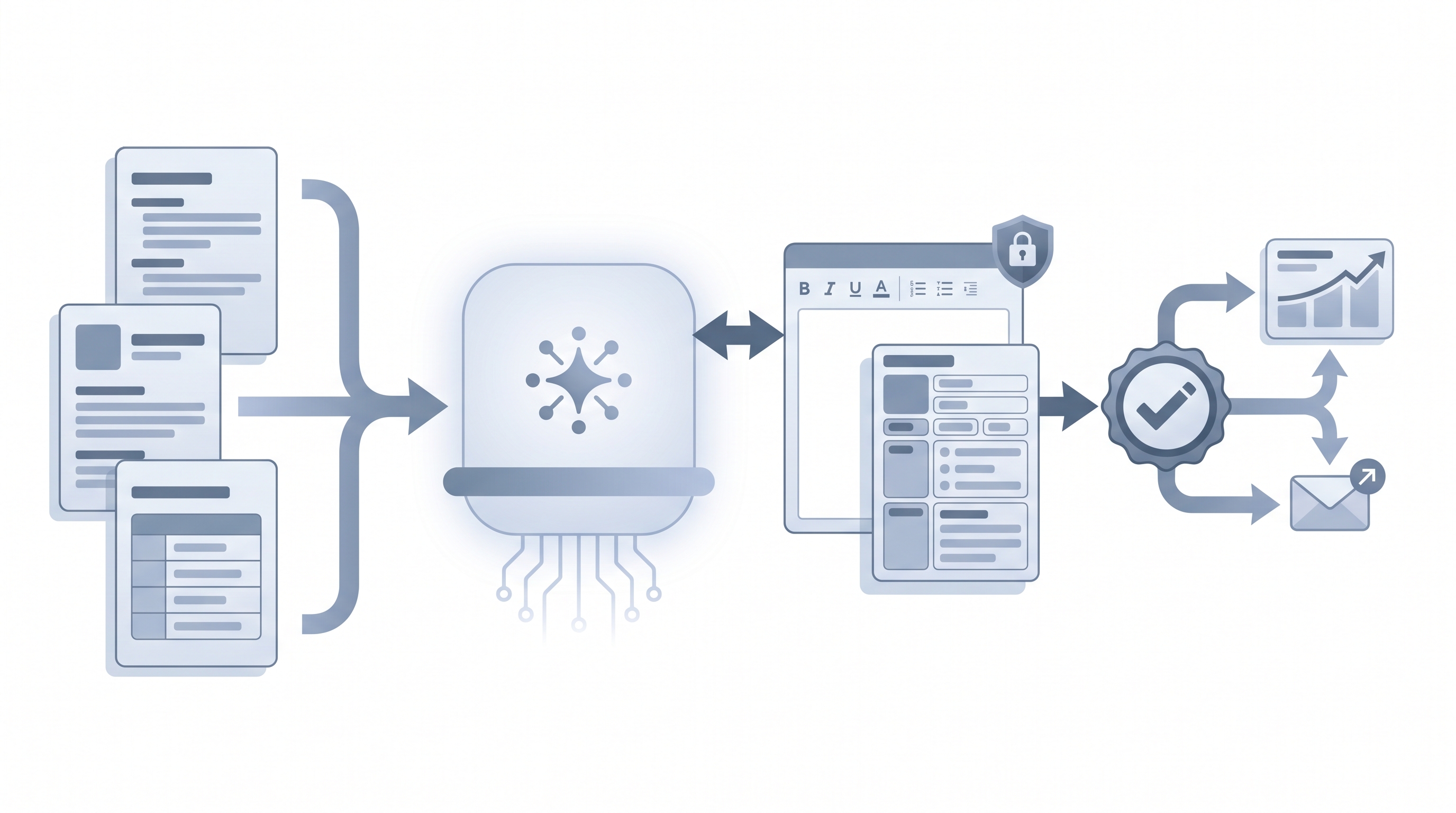
- A TA coordinator opens the Gemini sidebar inside a Google Doc that already contains the hiring manager's intake notes and asks Gemini to draft a job description in a defined format. The output appears in the document; the coordinator edits it before pasting to the ATS.
- A sourcer drops a plain-language role brief into Gemini and asks for five Boolean search strings and five Google X-Ray strings in one pass. Gemini returns all ten with explanations; the sourcer removes false-positive synonyms before running them.
- A recruiter who says "we use Gemini for Work so our candidate data stays inside Google" is explaining the enterprise Workspace plan distinction to a hiring manager asking about data privacy.
Quick read, then how hiring teams use it
This is for recruiters, sourcers, TA, and HR partners who need the same vocabulary in debriefs, vendor calls, and policy reviews. Skim the first section when you need a fast shared picture. Use the second when you are deciding how Gemini fits your daily workflow, your ATS, or your sourcing stack.
Plain-language summary
- What it means for you: Gemini is a chat and document interface where you describe a task in plain language and it produces a useful first draft, whether that is a job description, a cold outreach message, or a call summary. For Google Workspace users, it is available as a sidebar inside the tools you already open every morning.
- How you would use it: Open the Gemini sidebar in Docs or Gmail, paste your intake notes or a candidate profile, write a short prompt describing what you want, and read the output critically. Edit, shorten, and check for invented details before the text touches any system or any person.
- How to get started: Pick one task where you spend at least 30 minutes a week on manual writing. Write a prompt for it, run it alongside your normal process for two weeks, and note where the output saves time and where it needs correction. Start there before trying to automate anything.
- When it is a good time: When you have a stable task, a repeatable prompt, and enough time to review the output before it goes anywhere. Not when the process changes weekly or when the output would reach a candidate without a review step.
When you are running live reqs and tools
- What it means for you: Gemini is a drafting layer you bring to every req. For Workspace users, every output lands in the document or Gmail thread first, which means every output gets a human-in-the-loop review before it moves anywhere.
- When it is a good time: After you have written two or three stable prompts for a given task and can identify a poor draft in under a minute. Before that point, the editing overhead can exceed the time saved.
- How to use it: Set a system instructions-style opening message for each session: your company name, the role, tone expectations, and any must-avoid phrases. Paste in the minimum data needed (role brief, candidate summary, intake notes) and ask for a specific output format. Log which Gemini version produced each output so you can revisit prompts after a Google model update changes behaviour.
- How to get started: Move to a Google Workspace Business or Enterprise plan before your team processes any candidate personal data through Gemini. Create a shared folder of approved prompt templates so output quality is consistent across the team, not dependent on who drafted the prompt. Review the AI outreach drafting entry for the outreach pattern specifically.
- What to watch for: Hallucinations on company names, dates, and titles when you ask Gemini to research rather than draft. GDPR risk if personal candidate data enters a consumer-tier account. Model drift when Google updates the underlying model and previously reliable prompts start producing different-quality output.
Where we talk about this
On AI with Michal live sessions, Gemini comes up as part of the model comparison conversation: which tool for which task, and why the Workspace plan tier matters before any candidate document leaves your Google account. The AI in recruiting track covers prompting patterns and review habits, while the sourcing automation track moves toward embedding stable prompts in light automations. If you want the full room conversation with a practitioner cohort, start at Sourcing Lab and bring a prompt you are already using so feedback is grounded in real output, not theory.
Around the web (opinions and rabbit holes)
Third-party creators move fast on this topic. Treat these as starting points, not endorsements, and double-check anything before you wire candidate data through a workflow you found in a tutorial.
YouTube
- Gemini AI recruiting prompts for practitioner walkthroughs of prompt-to-draft flows and before-and-after comparisons of Gemini output quality for HR use cases
- Gemini Google Workspace HR hiring for Workspace-specific tutorials showing how Gemini surfaces inside Docs and Gmail for recruiting and HR teams
- Google Gemini GDPR data privacy recruiting for compliance-focused discussions on data handling tiers and what Google Workspace Enterprise actually changes for HR teams
- r/recruiting: Gemini AI surfaces candid practitioner feedback on what works, what produces generic output, and where human editing still matters most
- r/humanresources: Google Gemini covers the compliance and data handling side, including threads on Workspace enterprise tiers and GDPR obligations for HR use cases
- r/RecruitmentAgencies: AI drafting tools for agency-side views on volume, personalisation limits, and client expectations when AI drafting is part of the delivery model
Quora
- How can Google Gemini be used in recruiting? collects practitioner answers from sourcers and TA leaders (read critically; quality varies and not all contributors have deep recruiting backgrounds)
Gemini versus ChatGPT versus Claude for recruiting
| Dimension | Gemini | ChatGPT | Claude |
|---|---|---|---|
| Context window | Up to 1M tokens (1.5 Pro) | Varies by tier | Up to 200K tokens |
| Workspace integration | Native Google Workspace (Docs, Gmail, Sheets) | Microsoft Copilot (separate integration) | Manual copy-paste only |
| Multimodal | Text, image, audio, video | Text and images (GPT-4V tiers) | Text and images |
| Enterprise tier | Google Workspace Business or Enterprise + DPA | ChatGPT Teams or Enterprise + DPA | Claude for Work + DPA |
| ATS integration | Manual; no native ATS connector | Manual; no native ATS connector | Manual; no native ATS connector |
| Best fit | Teams on Google Workspace; multimodal or long-doc tasks | Fast iteration; broad team familiarity | Large multi-document batches; long-form analysis |
Related on this site
- Glossary: AI for recruiters, ChatGPT for recruiters, Claude in recruiting, Large language model, Hallucination, Human-in-the-loop, System instructions, AI outreach drafting, Scorecard, AI in recruiting
- Blog: AI sourcing tools for recruiters
- Live cohort: Sourcing Lab
- Course: Starting with AI: the foundations in recruiting
- Membership: Become a member