Large language model (LLM)
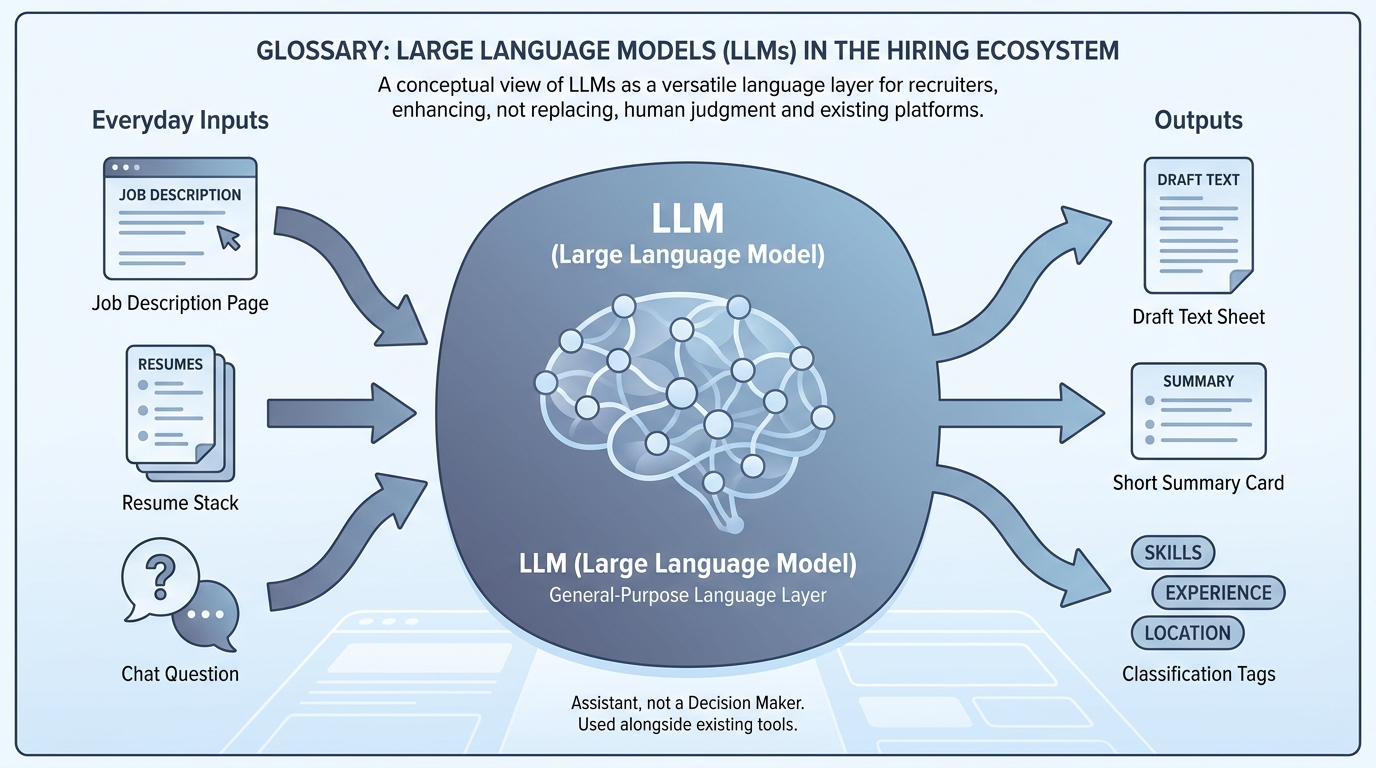
A neural model trained to predict the next token over broad text, which powers chat assistants, drafting, classification, and tool-using agents when wrapped in product guardrails.
Michal Juhas · Last reviewed May 2, 2026
What is a large language model (LLM)?
A large language model is software trained on lots of text so it can predict the next words in a reply, which powers assistants like ChatGPT or Claude. It helps you draft and sort recruiting work, but it is not your ATS and it can still be wrong.
In practice
- When someone says "we need an LLM for scheduling," they usually mean "we want ChatGPT-style help," not a lecture on neural nets. The acronym shows up on procurement forms, vendor blogs, and IT approval emails.
- In a hiring stand-up, people compare "the model guessed" with "the ATS field says" when quality drops. They may not name one vendor model versus another, but everyone knows an assistant wrote the text.
- IT sends a note like "approved assistants are X and Y for customer data," which is how many companies first introduce the term LLM to recruiters who only care that the button works.
Quick read, then how hiring teams use it
This is for recruiters, sourcers, TA, and HR partners who need the same vocabulary in debriefs, vendor calls, and policy reviews. Skim the first section when you need a fast shared picture. Use the second when you are deciding how it shows up in the ATS, sourcing tools, or candidate communications.
Plain-language summary
- What it means for you: An LLM is software that finishes sentences like autocomplete grew up: it can draft email, summarize notes, and still be wrong about facts.
- How you would use it: You give short instructions plus the facts you already trust, you read the draft, you send.
- How to get started: Try the same task in two products you already have licenses for; compare tone, not only speed.
- When it is a good time: When repeat writing eats your week but you still have a human who owns quality.
When you are running live reqs and tools
- What it means for you: An LLM is a next-token predictor over a context window, tuned for helpful chat and tools. APIs expose tokens, temperature, and structured modes.
- When it is a good time: When you move from ad hoc chat to shared system instructions, RAG, or automation.
- How to use it: Pick evaluation sets (intake, outreach, screening notes), log failures, and separate model swaps from prompt changes.
- How to get started: Read How to use AI in recruiting and align TA and IT on data handling before you expand.
- What to watch for: Treating the model like a database, shipping prose where you needed structured output, and skipping red-team time on multilingual inputs.
Where we talk about this
AI in recruiting blocks use LLMs as the shared layer hiring managers actually see. Sourcing automation blocks ask which calls are chat-only versus API-backed. Both show up at Sourcing Lab with different homework.
Around the web (opinions and rabbit holes)
Third-party creators move fast. Treat these as starting points, not endorsements, and double-check anything before you wire candidate data.
YouTube
- Let's build GPT: from scratch, in code, spelled out (Andrej Karpathy) is the deep canonical explainer.
- Introduction to Large Language Models (Google Cloud Tech) is the friendly enterprise briefing.
- But what is a GPT? Visual intro to transformers (3Blue1Brown) is optional math for partners who ask how transformers work.
- How is AI changing recruiting? in r/recruiting grounds LLM talk in workflows.
- Few shot examples vs long prompt? in r/ChatGPT relates to how people steer models daily.
- RAG on first read is very interesting. But how do I actually learn the practical details? in r/Rag is the builder path when chat is not enough.
Quora
- What is a large language model? is a broad FAQ-style page (read critically).
Chat versus API depth
| Layer | You get | You still need |
|---|---|---|
| Chat UI | Fast drafts | Copy-paste hygiene |
| Saved skills / Gems | Consistency | Owners and updates |
| API + automation | Scale | Keys, monitoring, GDPR |
Related on this site
- Blog: What is AI-native work?
- Blog: ChatGPT prompts for recruiters
- Tools: Compare assistants in the directory
- Guides: Talent acquisition managers
- Community: Become a member