Agent knowledge base
A curated set of Markdown or text files (often in a Claude project, repo, or shared folder) that gives an assistant stable facts about how you hire: tone, templates, scorecard rules, and disallowed phrases, without retyping them each session.
Michal Juhas · Last reviewed May 2, 2026
What is an agent knowledge base?
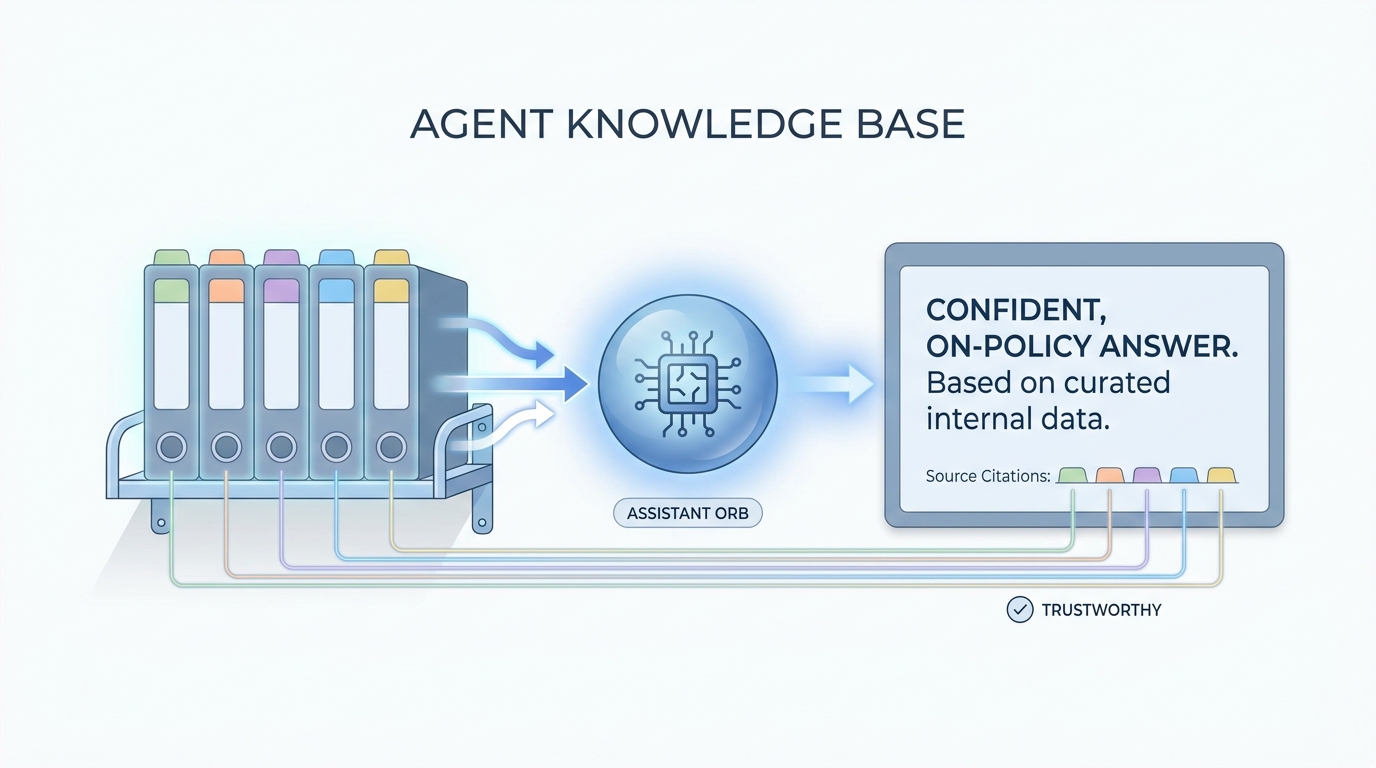
An agent knowledge base is a small set of files your team keeps fresh so an AI assistant can read the same facts you rely on. It cuts repeat questions and keeps tone, roles, and rules in one place.
In practice
- A Confluence or Drive folder called "How we hire at X" holds tone, email limits, and visa basics, and the team tells new hires to link it when they use the assistant. Vendors may call it a "knowledge base for agents" in release notes.
- IT pilots an internal chatbot and asks TA to upload five canonical pages first. Recruiters experience it as "the bot finally knows our acronyms" instead of guessing from the open web.
- Stand-ups say "update the knowledge base" when comp bands or remote policy change so the assistant does not keep quoting last year's file.
Quick read, then how hiring teams use it
This is for recruiters, sourcers, TA, and HR partners who need the same vocabulary in debriefs, vendor calls, and policy reviews. Skim the first section when you need a fast shared picture. Use the second when you are deciding how it shows up in the ATS, sourcing tools, or candidate communications.
Plain-language summary
- What it means for you: It is the short library your AI is allowed to read before it answers, like the binder on your desk with tone rules, acronyms, and the latest comp policy.
- How you would use it: You upload a few approved pages, you tell the bot "only use this," and you still check anything that goes to a candidate.
- How to get started: List five questions the team asks every week. Find the one canonical answer for each. Put those answers in Markdown files with dates in the title.
- When it is a good time: When everyone gets different answers from the same tool because nobody shared the same context.
When you are running live reqs and tools
- What it means for you: A knowledge base is curated retrieval: files or chunks the model can cite, paired with owners, diffs, and refresh rules. It is the recruiter-facing side of RAG before you buy a vector database.
- When it is a good time: When LLM tokens spike from "upload everything" dumps but quality does not move.
- How to use it: Prefer Markdown for AI, version in Git or a shared drive with permissions, and tie updates to policy owners. Forked copies per recruiter are a smell.
- How to get started: Mirror one internal FAQ, measure fewer repeat questions in Slack, then widen.
- What to watch for: Stale PDFs, pasted screenshots of old rules, and duplicate "final" files that disagree.
Where we talk about this
AI in recruiting blocks treat the knowledge base as the bridge between "we bought licenses" and "hiring managers trust the answers." Sourcing automation days connect the same files to API-heavy stacks. Bring your real folder chaos to Sourcing Lab.
Around the web (opinions and rabbit holes)
Third-party creators move fast. Treat these as starting points, not endorsements, and double-check anything before you wire candidate data.
YouTube
- Introduction to Large Language Models (Google Cloud Tech) frames why grounding matters even before you pick a vendor.
- Introduction to Retrieval Augmented Generation (RAG) (Google Cloud Tech) names the same pattern vendors label "grounded answers."
- Let's build GPT: from scratch, in code, spelled out (Andrej Karpathy) is deep, but the first minutes help teams understand why context windows are not magic memory.
- Custom GPT knowledge limit in r/ChatGPT is a frank thread on file limits and what people actually upload.
- How do you organize your knowledge files? in r/OpenAI swaps folder habits.
- RAG on first read is very interesting. But how do I actually learn the practical details? in r/Rag is the community's own map when tutorials feel endless.
Quora
- What is a knowledge base in the context of AI? mixes definitions and vendor answers (read critically).
Knowledge base versus chat-only memory
| Pattern | Strength | Weakness |
|---|---|---|
| Chat-only | Fast start | Context lost, hard to audit |
| Shared Markdown base | Portable, diffable | Needs owners |
| Drive dump | Easy upload | Noisy, expensive tokens |
Related on this site
- Glossary: Markdown for AI, System instructions, RAG, AI-native
- Blog: What is AI-native work?
- Tools: Claude
- Membership: Become a member